

Email marketing still delivers one of the highest ROIs in digital marketing — and with AI, you can create high-converting campaigns in minutes instead of hours. Here’s how to use Writesonic to plan, write, and optimize your email campaigns.
🖼️ Step 1: Open Email Template in Writesonic
👉 What to Do:
- Log in to Writesonic
- Go to Templates → Email Campaign / Marketing Email
- Choose your email type (promotion, welcome, newsletter, sales, etc.)
✍️ Step 2: Enter Campaign Details
Provide:
- 🎯 Target audience (e.g., small business owners)
- 📦 Product/service
- 💬 Tone (professional, friendly, persuasive)
- 🎁 Offer (discount, free trial, launch announcement)
Example Prompt:
Write a promotional email for a 30% discount on an AI writing tool for bloggers. Keep it persuasive and under 200 words.
🖼️ Step 3: Generate & Edit the Email
4
Writesonic instantly generates:
- Catchy subject lines
- Engaging preview text
- Persuasive body copy
- Clear call-to-action (CTA)
You can:
✔ Regenerate sections
✔ Adjust tone
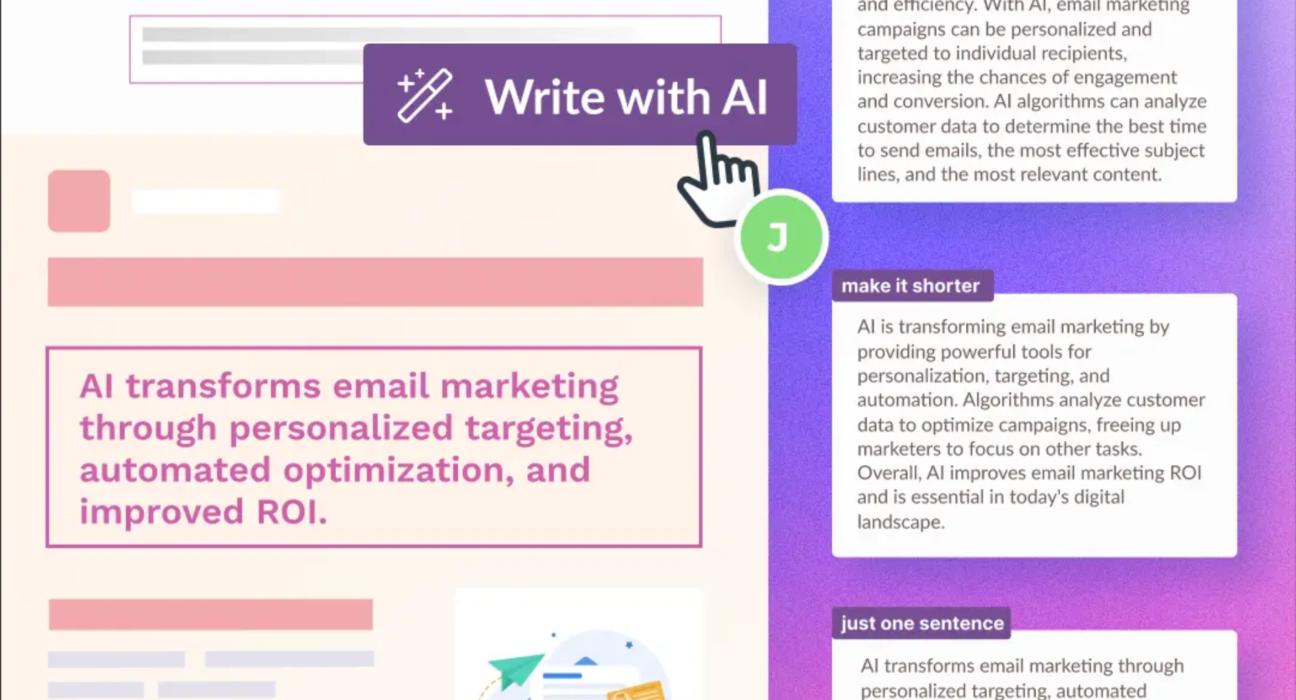
✔ Expand or shorten content
✔ Add personalization tokens
🚀 Example Email Campaign (Ready to Use)
Subject Line Options:
- 🚀 Boost Your Content Game — 30% Off Today!
- Limited-Time Deal for Smart Bloggers
- Write 10x Faster with AI (Save 30%)
Email Body Example:
Hi [First Name],
Struggling to keep up with content creation?
For a limited time, we’re offering 30% OFF Writesonic, the AI tool that helps you create blogs, ads, and emails in minutes.
✨ Generate SEO blogs
✨ Create high-converting ads
✨ Save hours every week
Claim your discount before it’s gone.
👉 Start Writing Smarter Today
Best,
Your Team
📊 Best Practices for High-Converting Campaigns
✅ 1. Personalize Everything
Use:
- First name
- Industry
- Purchase behavior
✅ 2. Optimize Subject Lines
Keep under 50 characters.
Use urgency or curiosity.
✅ 3. Include One Clear CTA
Avoid multiple confusing links.
✅ 4. A/B Test Variations
Test:
- Subject lines
- CTA wording
- Email length
📈 Types of Email Campaigns You Can Create
| Campaign Type | Goal |
|---|---|
| Welcome Series | Build trust |
| Promotional | Drive sales |
| Newsletter | Share updates |
| Product Launch | Create excitement |
| Abandoned Cart | Recover revenue |
🎯 Pro Tip
Use Writesonic to:
- Generate 5 subject line variations
- Rewrite email for different audience segments
- Create follow-up emails automatically
This saves time and increases engagement.
💡 Final Thoughts
Creating email campaigns with Writesonic makes the process:
✔ Faster
✔ Easier
✔ More scalable
Whether you’re running a startup, agency, or blog, AI-powered email marketing can significantly boost open rates and conversions.