

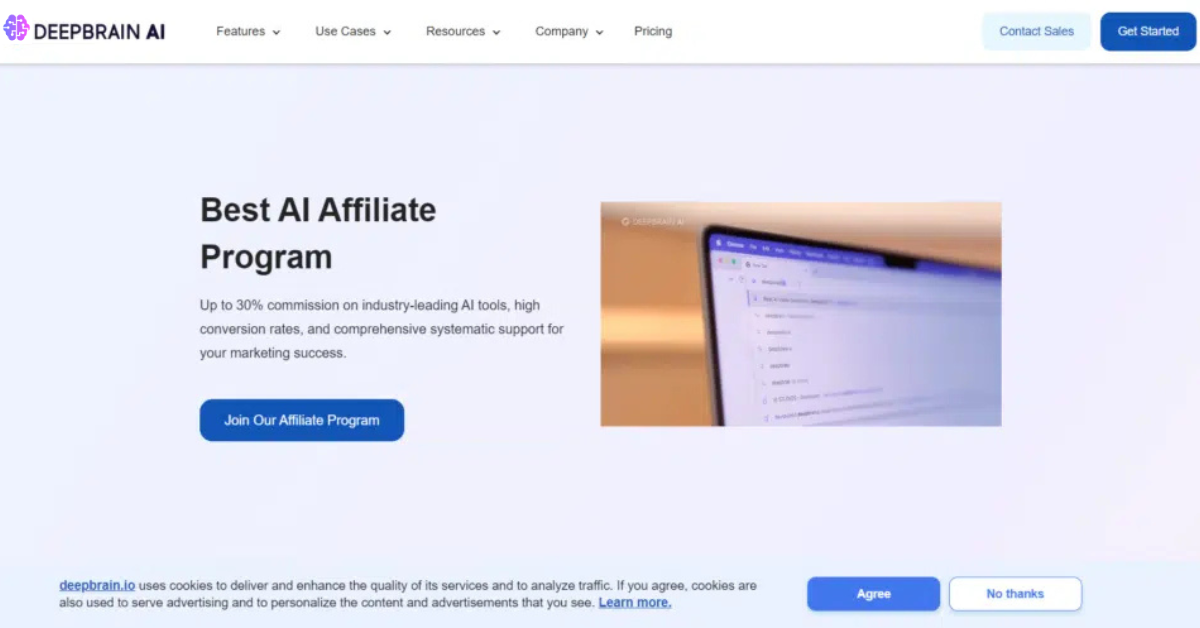
🎥 What Is DeepBrain AI (AI Studios)?
DeepBrain AI (AI Studios) is a cloud-based AI video creation platform that lets you transform text, scripts, and avatars into fully produced videos — without cameras, actors, or traditional editing. You can use lifelike AI avatars to present your content in multiple languages with realistic voiceovers.
🔑 Key Features (2026)
✔️ Realistic AI Avatars: Choose from hundreds of avatars covering different ages, looks, and professions — all with accurate lip-sync and natural gestures.
✔️ Text-to-Video / Script-to-Video: Type or paste your script; the AI generates a polished video with voices and visuals.
✔️ Custom Avatars: Create avatars from photos or videos of yourself or anyone else.
✔️ Multilingual Voiceovers: Support for 110+ languages and accents, with natural text-to-speech.
✔️ Templates & Editing: Pre-made templates, background settings, text overlays, and media insertion.
✔️ Export & Download: Export your video in HD/4K for use on social, training, marketing, e-learning, and more.
🛠️ How to Make AI Avatar Videos with DeepBrain AI — Step by Step
- Sign In & Dashboard
Visit the AI Studios / DeepBrain AI website and sign up for an account.
Once logged in, go to the video creation dashboard.
- Choose a Creation Method
You’ll typically see options like:
✅ Text-to-Video (best for scripted videos)
✅ Template starter
✅ Custom avatar video from a photo or video
- Create or Select an Avatar
Pick a Pre-Made Avatar: Browse avatars in the library to find one that fits your content.
Create a Custom Avatar: Upload a photo or short video of yourself and let the system train a personalized avatar. (Photo/Video upload option available in settings).
💡 Pro tip: For more natural results, use evenly lit headshots with minimal background clutter.
- Enter Your Script
Paste or type your script into the text field.
DeepBrain automatically generates lip-sync and facial motion to match the text.
- Customize Your Video
Backgrounds & Scenes: Add backgrounds or environments.
Voice & Language: Pick a language and voice — many avatars have multiple voice options.
Gestures & Behavior: Some interfaces let you adjust gestures, pauses, and emphasis.
- Preview & Edit
Preview your AI-generated video.
Edit script timing, avatar placement, visuals, or effects.
- Export & Download
When you’re happy with the video:
✔ Choose resolution (HD / 4K)
✔ Click Export / Download
✔ Share it on social, embed on sites, or use in courses and presentations.
🎯 Best Use Cases (2026)
📌 Training & e-Learning: Create engaging course videos without filming.
📌 Marketing & Social Content: Produce polished training, intros, promos quickly.
📌 Localization: Translate and dub videos into dozens of languages with synchronized mouth movements.
📌 Presentations & Explainers: Use avatars to narrate webinars or corporate messaging.
💡 Tips for Better Results
🎙 Keep scripts clear and concise — AI lip-sync works best with well-structured text.
🎨 Use templates to maintain visual consistency across multiple videos.
📁 Add supporting media like graphics and slides to increase engagement.
🔤 Preview in multiple languages if you’re targeting global audiences.
📊 Pros & Cons (2026 Perspective)
👍 Pros
Creates professional-looking videos without cameras or editors.
Lifelike avatars and natural voiceovers.
Multilingual support and template options for fast workflows.
👎 Cons
Some avatars or gesture animations may feel less expressive than true human video.
Advanced features like custom avatars may need paid plans.
Editing interface can take a bit of time to master.
🏁 Final Verdict
In 2026, DeepBrain AI (AI Studios) remains one of the top AI avatar video creators — especially if you want text-to-video automation with realistic human avatars, multilingual voices, and easy workflows. It’s a powerful solution for business, education, and social content creators who want video creation without filming gear or deep editing expertise.